Publish what the client approved
Launch the saved review version while newer draft edits stay in your workspace.
Build apps. Own the system.
Build is the self-hosted AI app and website builder codebase you can use in your business—or meaningfully customize into a differentiated product for your customers.
Launch offer
Standard
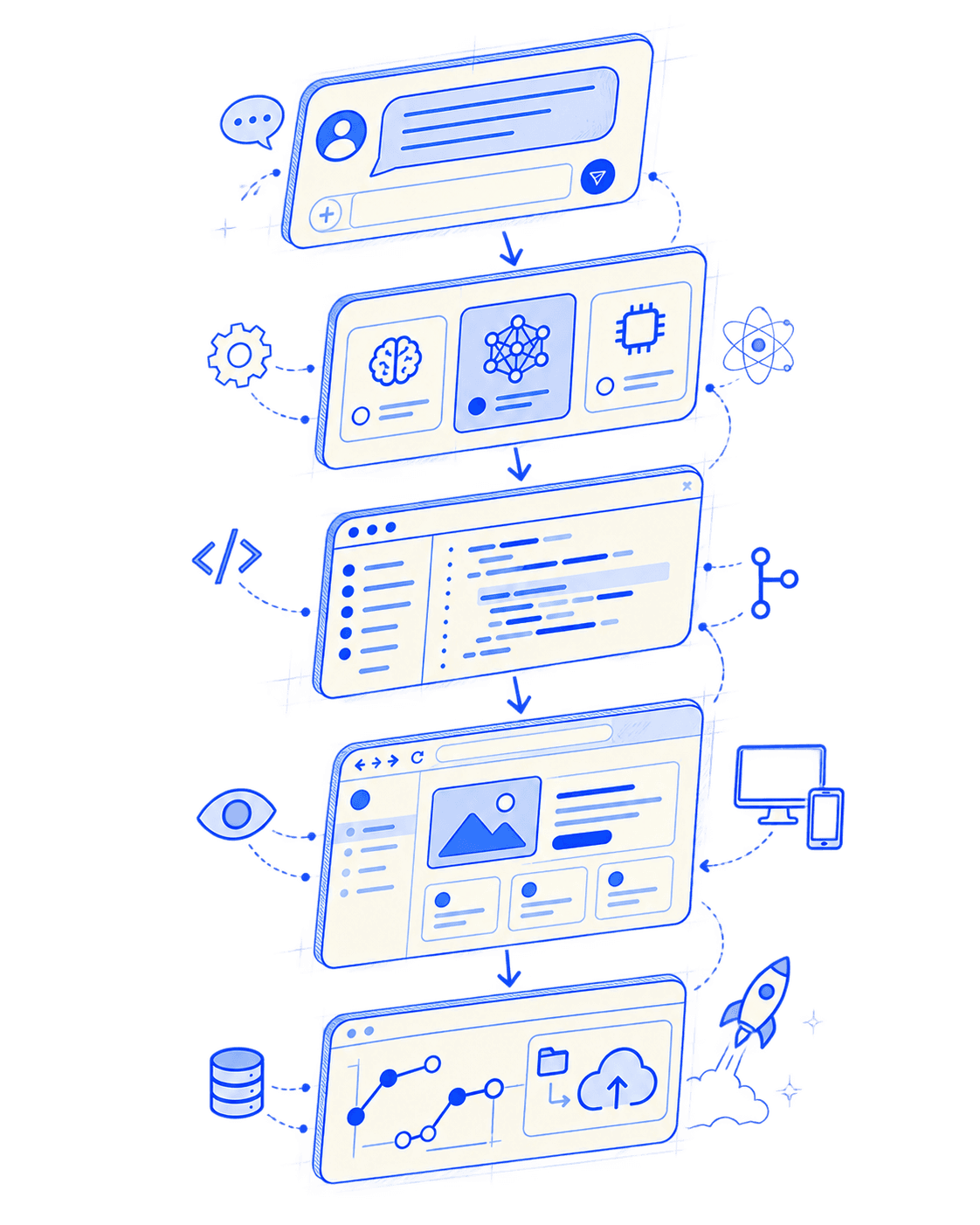
Describe → Choose → Build → Preview → Ship
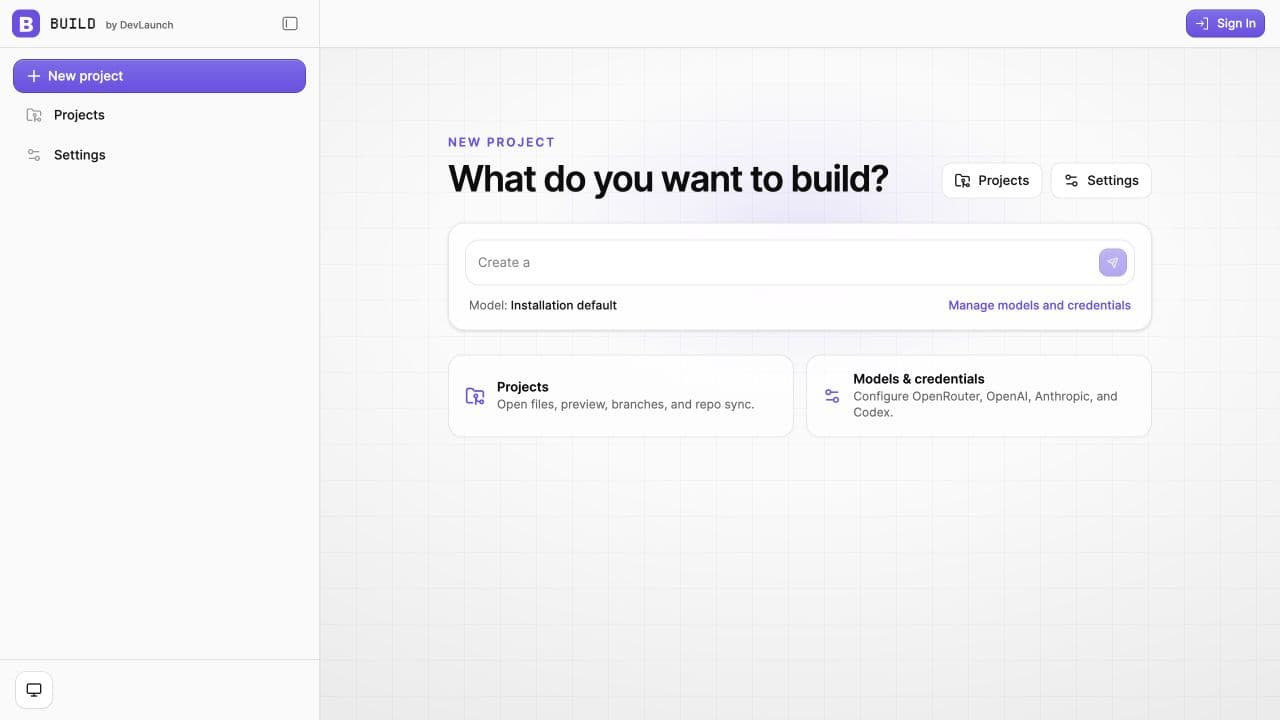
The actual product
Create a project, choose how it should think, and keep the work, settings, and code connected. This is a real capture from the Build codebase.
New in Build 1.7
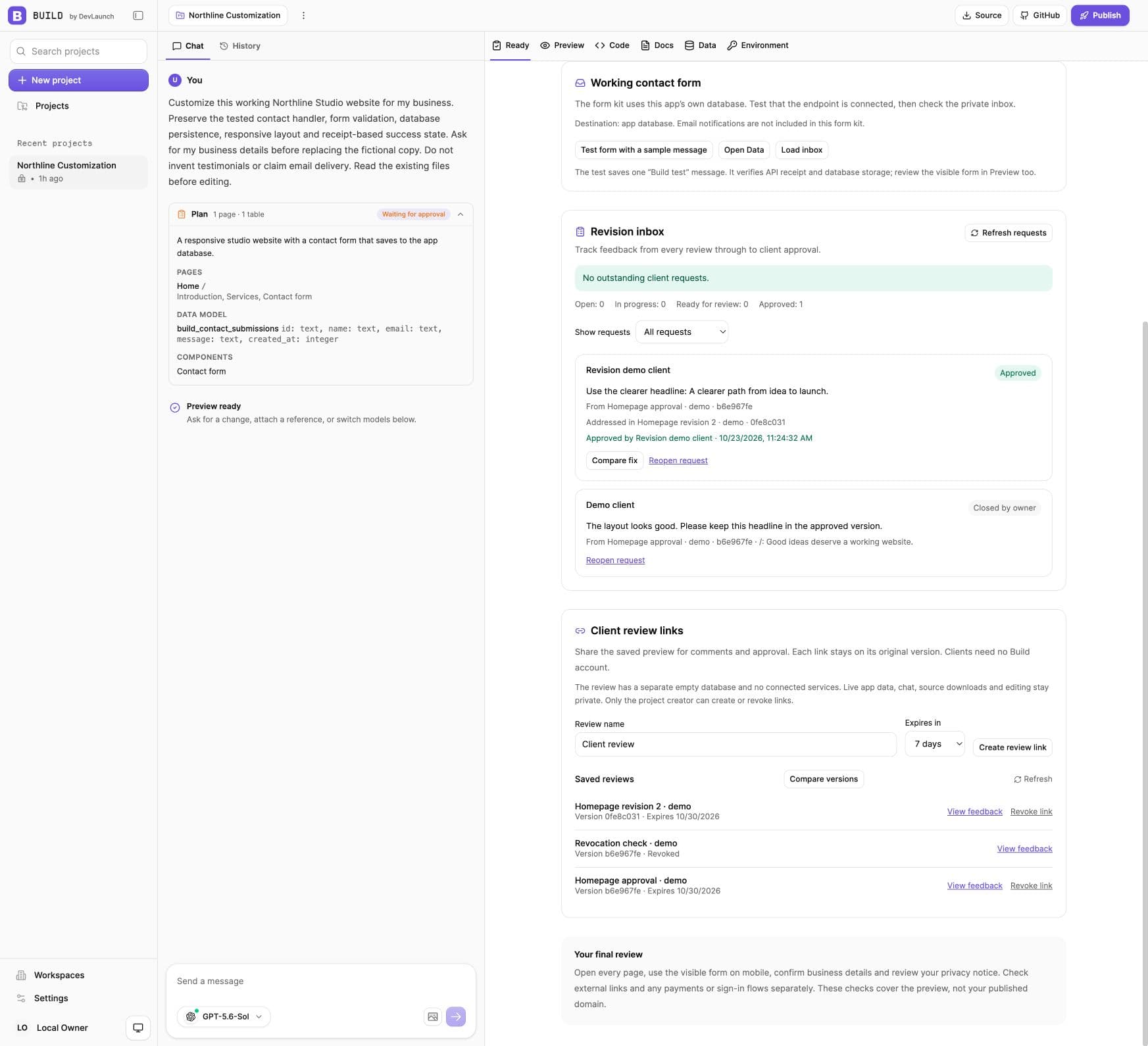
Share a preview. Gather feedback. Make the revision. Let your client approve the version that addresses their request—all from the same project.
Review links open without a Build account. Each link stays on its saved version; live forms and connected services are tested in your working preview.
What ships in Build 1.7
Personal runs for one owner, even fully on your own machine. Agency adds separate logins, client workspaces, plans and billing on the same workspace. Both come in the same download.
Launch the saved review version while newer draft edits stay in your workspace.
Check Cloudflare zone and DNS setup before confirming the website address.
Keep release history and restore a saved version without resetting the website’s storage.
Compare incoming text files, resolve conflicting edits and import the reviewed changes.
Send saved contact-form enquiries to your webhook or verified email sender, with delivery status and retries.
Download ownership, launch details, support contacts and maintenance notes together.
Collect validated submissions in the app’s database, with a success receipt and a private inbox.
Check the preview build, homepage errors, phone layout and links. See when changed source needs a fresh check.
Share a saved preview for pinned comments and version-specific approval. Clients open a review link without a Build login.
Prepare an AI edit request, track work in the revision inbox, and link each fix to the version a client reviews.
Compare saved previews side by side or with a slider, at matching desktop, tablet or phone widths.
Choose current OpenAI and Claude models through your connected API provider. Refresh Codex’s account-available models without changing your selection.
Agency edition
Staff, contractors and clients each sign in with their own account through Clerk.
Your branding, email invitations, roles, and a workspace per client.
Choose which models each plan can use, cap reasoning effort, and set monthly build-credit limits.
Charge clients a monthly plan through your own Stripe account, with checkout and a customer portal. Manual access works too.
Workspace members cannot see each other's source or keys unless a project is shared on purpose.
Client reviews
Made with Build
These are ten working products and business sites generated through the current Build workflow—not templates or conceptual mockups. Each started as a plain-language brief and became an editable codebase.
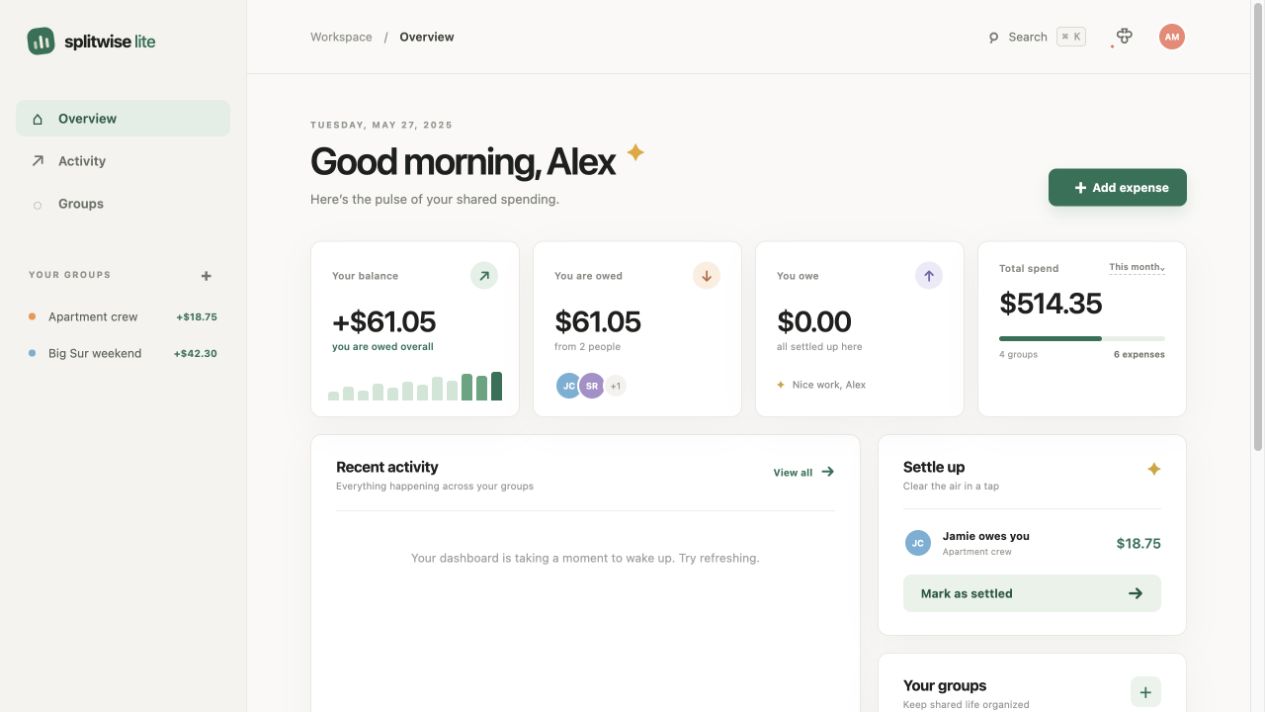
Productivity tool
A polished bill-splitting dashboard with balances, groups, and transaction history.
Creative utility
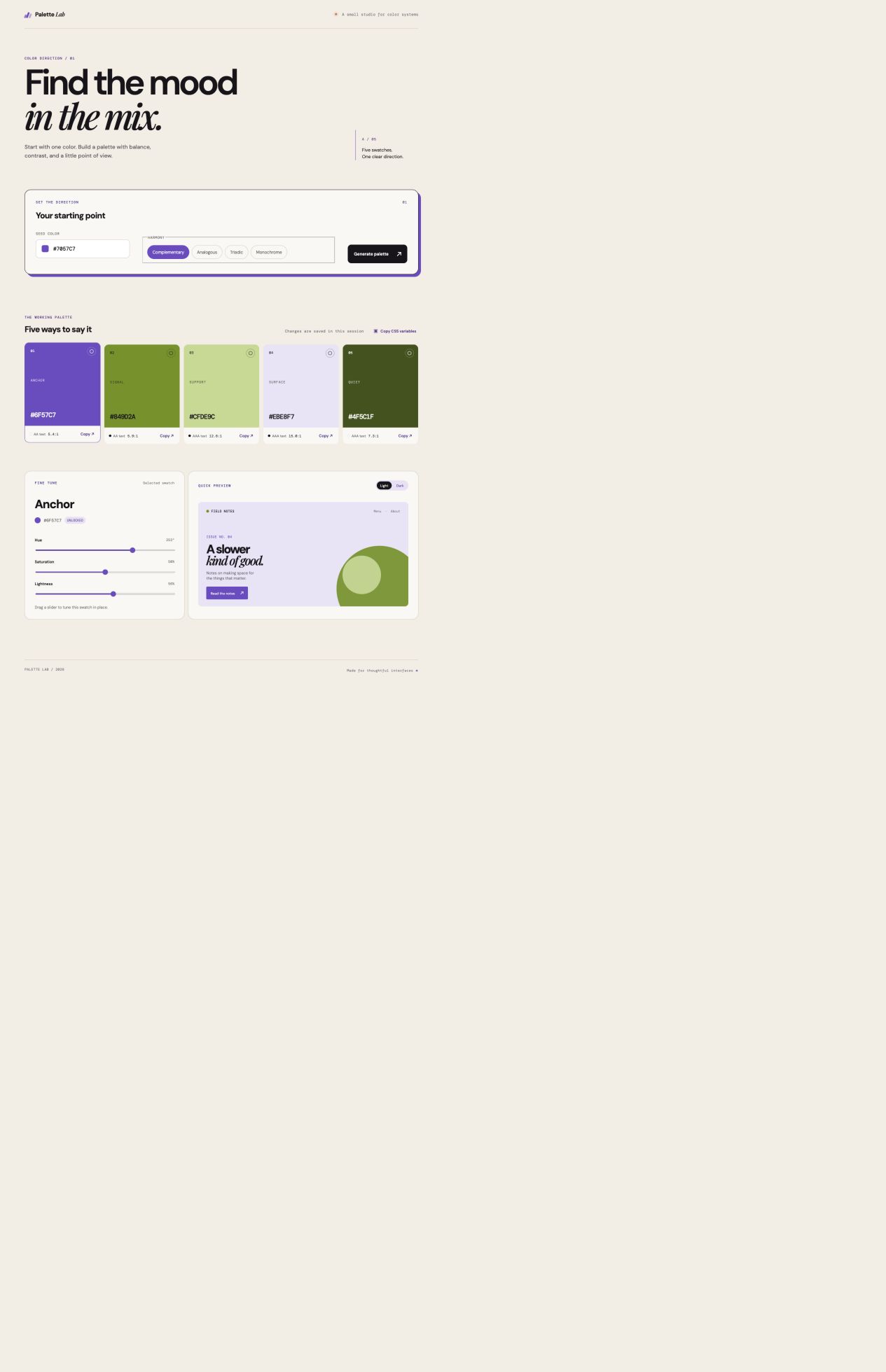
An interactive color workspace for building, testing, and exporting production-ready palettes.
Professional services
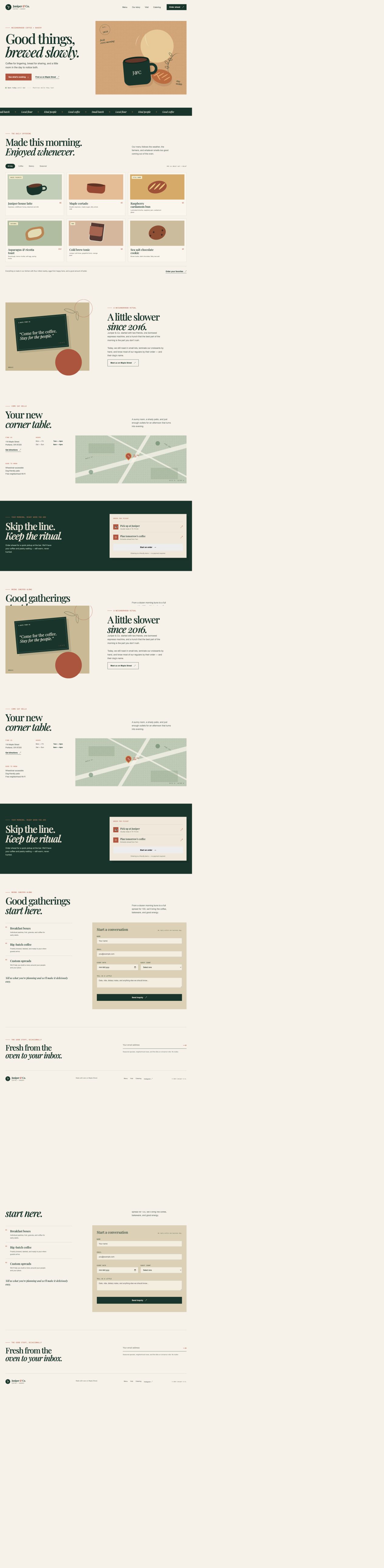
A complete editorial-style consultancy site with a distinct brand and conversion-focused structure.

Restaurant
A lively neighborhood restaurant experience with menus, events, and a working reservation flow.

Home services
A premium electrical and smart-home site with services, trust signals, and an estimate wizard.

Landscape studio
A design-forward landscape business with project storytelling and an interactive space planner.
 Live calculator
Real-estate calculator
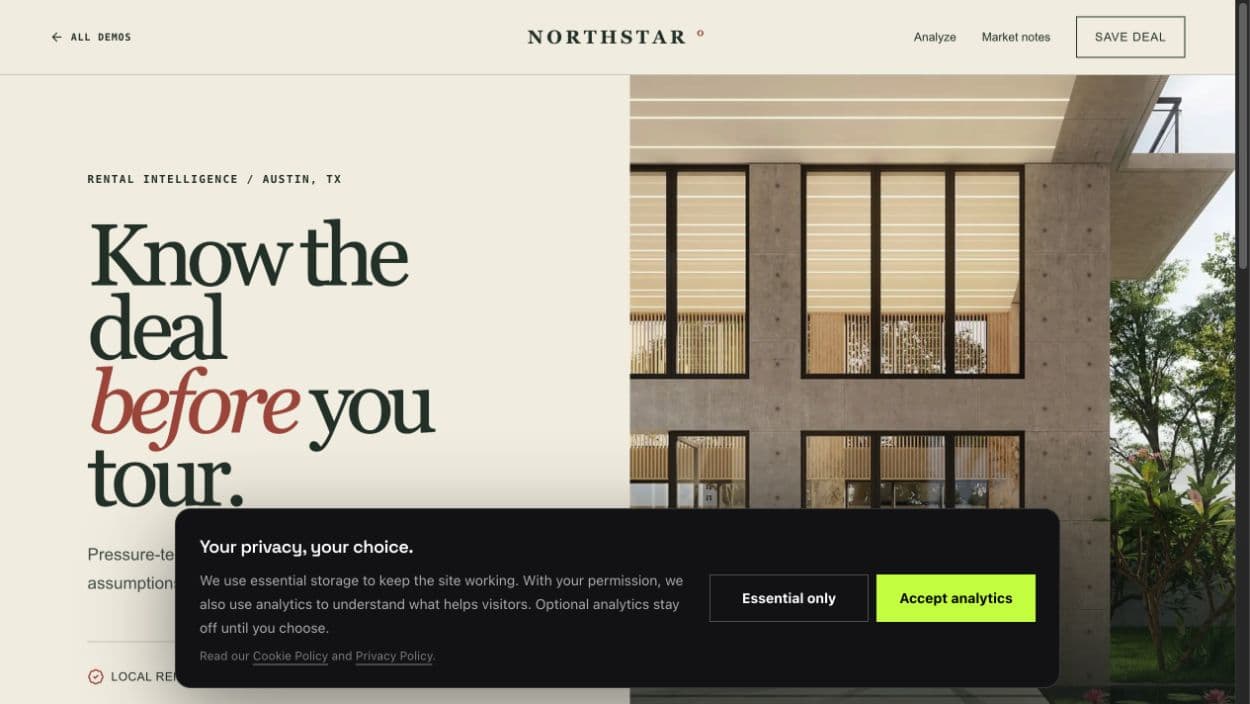
An editorial investment analyzer with live mortgage, cash-flow, cap-rate, and cash-on-cash modeling.
 Live calculator
Roofing estimator
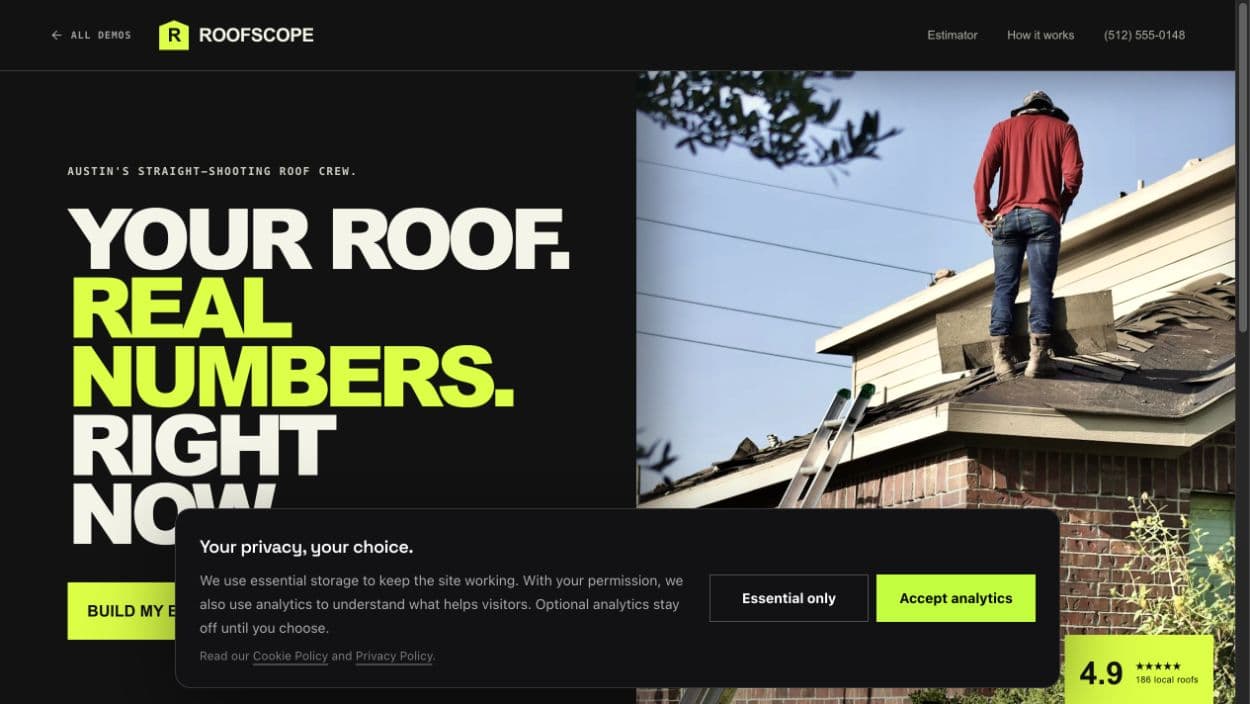
An industrial contractor site with instant price ranges by roof size, pitch, material, tear-off, and complexity.
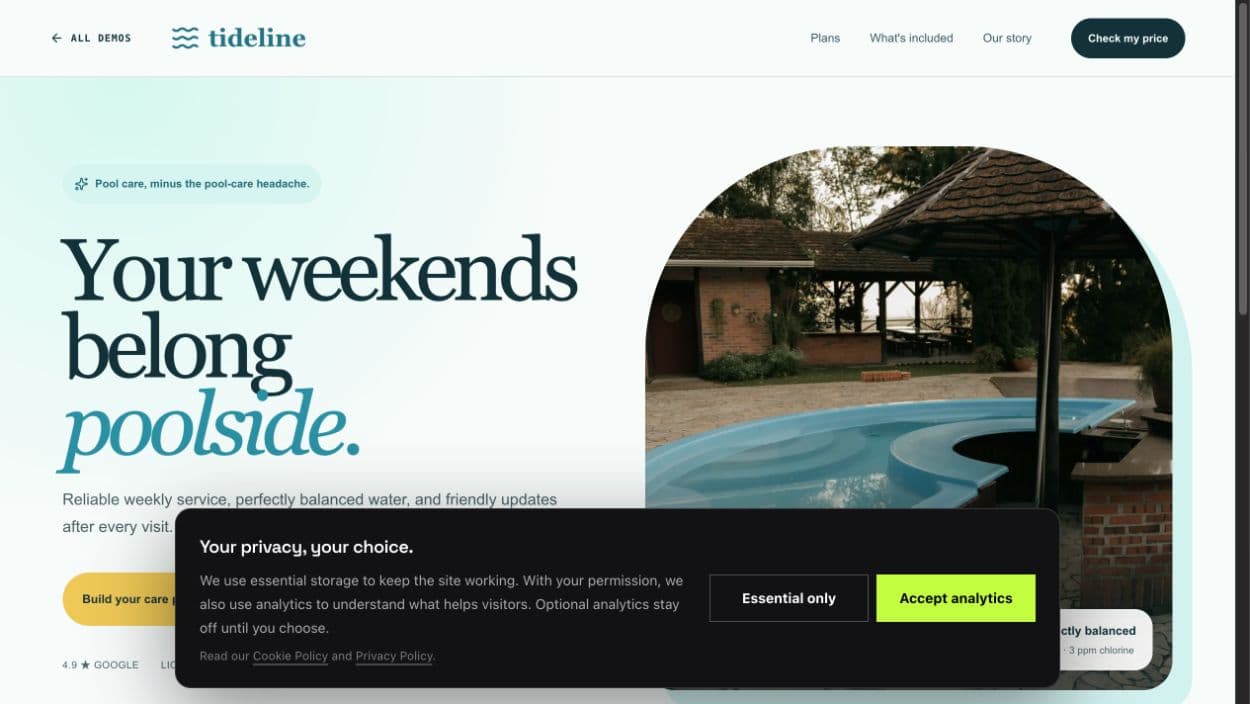 Live calculator
Pool-service planner
A friendly service-plan builder with instant monthly pricing for pool size, visit cadence, and equipment.
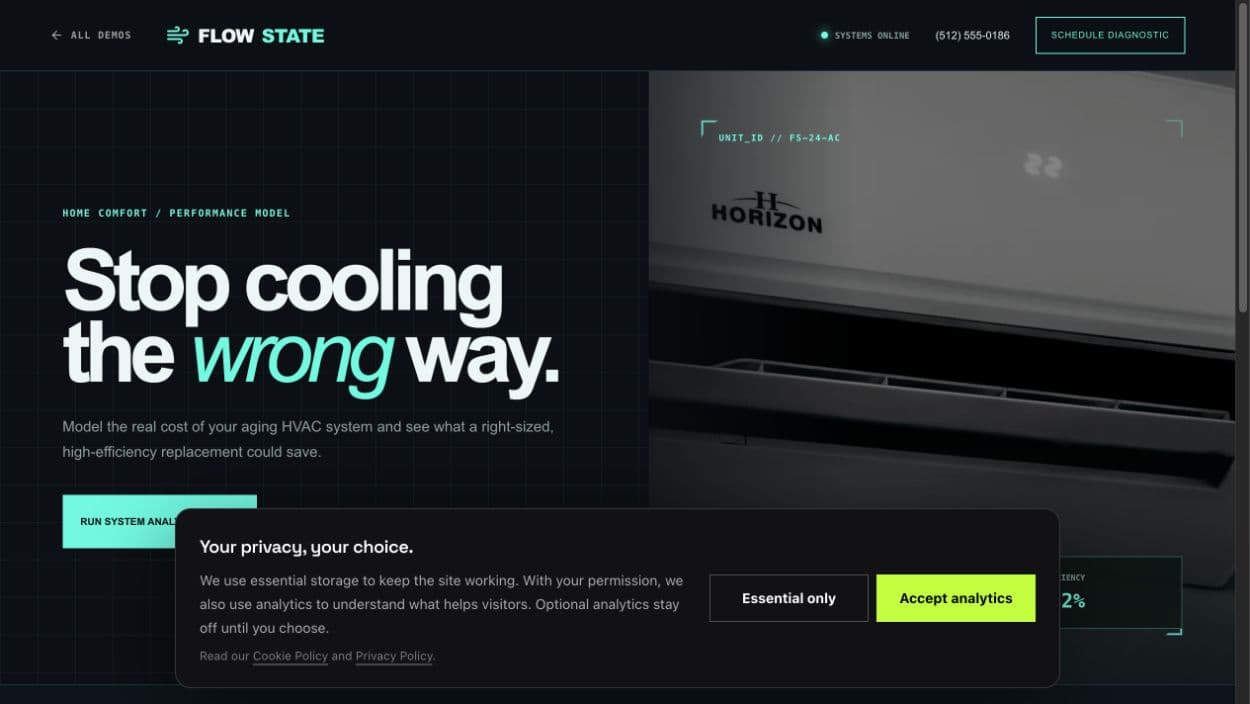 Live calculator
HVAC savings tool
A technical replacement model that calculates energy savings, payback, sizing, and system budget in real time.
Landing pages · dashboards · calculators · creative tools · service-business websites
Checking access…
No hidden middle layer
Build gives you the product surface. You decide what powers it, where it runs, and how it makes money.
Use the models you choose.
Bring your own connection.
Change every layer.
Run it in your account.
Keep the customer relationship.
One codebase, different businesses
The point is not one more app in your stack. The point is a foundation you tailor to your offer—from internal tool to customized client service to differentiated vertical software.
Build sites, portals, and internal tools. Give each client a branded workspace, a plan, and a monthly bill under your name.
Turn recurring workflows and ideas into tools without renting another locked platform for every experiment.
Add an app-building surface to the CRM or client portal you already sell and support.
Narrow Build to a niche, meaningfully change the workflows, experience, and defaults, then turn that differentiated implementation into your own product.
Swipe to explore all four →
Model freedom
Use a curated OpenRouter picker, connect native OpenAI or Anthropic keys, or use the supported Codex subscription path. Build is designed around provider choice—not a permanent model lock-in.
Your credentials, your provider billing
Model availability, subscriptions, limits, and usage charges remain subject to each provider's terms.
Choose your provider
Switch the connection without changing the product.

Curated model picker

Native API key

Native API key
Codex subscription sign-in
Simple model economics
Choose a model and a simple client-work scenario. We will estimate the provider usage—Build never adds a per-project fee or takes a percentage of your sales.
Four quick choices. No token math.
Balanced value
“Typical” assumes 80 AI requests per project, averaging 16K input and 3.5K output tokens per request. You can change models at any time.
Your illustrative month
Build
$597
One time
Model spend
$23.68
Estimated monthly
Project revenue
$10,000
Your example, not a promise
What that means
One $2,500 project covers Build 4.2×.
About $5.92 in model usage per project.
Build takes $0 per project and 0% of your revenue.
Projects
4/month
Model share
0.2%
Illustrative estimate only—not a quote, profit calculation, guarantee, or earnings claim. Your revenue, token use, labor, hosting, support, taxes, payment fees, refunds, and other expenses will vary.
Model spend estimates metered API or provider usage. Codex subscription sign-in follows the customer's subscription limits instead of this token-cost estimate.
Rates checked September 1, 2026. Sources: OpenAI, Anthropic, and OpenRouter. Rates and availability can change.
GPT-5.6 Sol pricing is promotional and currently listed by OpenAI as available through at least November 21, 2026.
Swipe to compare →
Put the repo in your workflow.
Keep the source and assets.
Operate your own installation.
Sell your differentiated product—not our source package.
Before you buy
The shortest honest answers about ownership, technical requirements, commercial use, and refunds.
Build setup guides, troubleshooting, and client handoff resourcesRead our AI coding and software ownership guidesBuild is a self-hosted AI app and website builder sold as editable source code. It includes a visual workspace, live previews, project history, model and provider choices, and export paths. You deploy it to your own infrastructure and connect your own services.
Claude Code and Codex are excellent coding agents. Build is the product layer around the building experience: a visual web workspace, live preview, project history, model/provider choices, export paths, and a codebase you can brand for your own customers. You can still use coding agents to extend Build—the choice is not either/or.
No. You are buying a self-hosted codebase. You install it into infrastructure you control, connect your own services, and are responsible for operating it. DevLaunch is not metering every project or taking a percentage of your revenue.
Yes—you can charge for products and client solutions you build with it, including a customized experience inside your CRM offer. You must meaningfully adapt Build to your market, workflow, integrations, or customer experience; changing only the name or logo is not enough. You may not resell, sublicense, share, or redistribute the Build source package itself—or a substantially unchanged clone—as a competing codebase, template, or download. The supplied commercial license will define the complete terms.
No. You choose and pay the model provider. Bring an OpenRouter, OpenAI, or Anthropic API key, or connect a supported Codex subscription flow. Provider limits, terms, and usage fees still apply.
Build runs on Cloudflare. You can try it locally first with no Cloudflare account, then deploy it into your own Cloudflare account when you are ready. Hosting, domains, storage, model usage, monitoring, and related third-party costs are yours.
You do not need to write every feature from scratch, but this is still a codebase you operate. You should be comfortable following technical setup instructions or working with a developer or coding agent when you customize, secure, deploy, and support it.
Yes. Choose the Agency edition and everyone gets their own login. You create client workspaces, invite people, assign plans with model and credit limits, and optionally bill clients through your own Stripe account. Projects are private by default. You can share a project with your team and hand editing back and forth, one editor at a time.
Your purchase covers the Build 1.7 source package with Personal and Agency editions, working forms, client reviews, approved-version publishing, domains, release history and website restores, reviewed GitHub imports, optional enquiry alerts and client handover. The commercial license and installation, upgrade and sharing guides are included. The included documentation defines the supported installation requirements and current release boundary.
Yes. Build 1.7.0 is in your downloads at no extra cost. Follow the upgrade guide before replacing files: preserve your projects and settings, apply pending migrations, and update the frontend and server together.
All sales are final. Build is a digital source-code product, and access cannot be meaningfully returned after delivery. Please review what it is, what it is not, and the technical requirements before purchasing.
The DevLaunch collection
Pick the tool you need. Or get the collection with All Access.
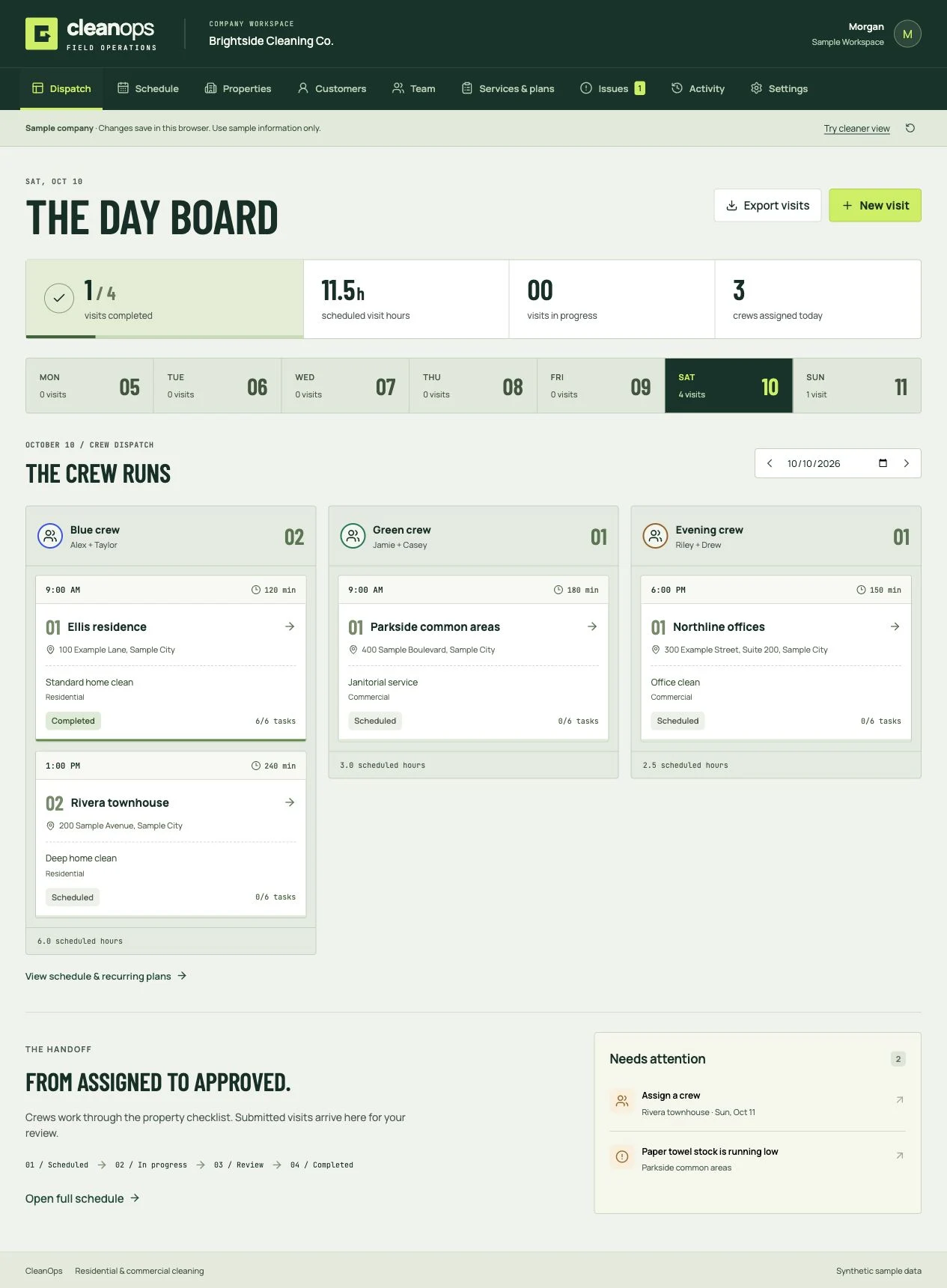
Cleaning business software
Book and dispatch cleaning visits, plan crew routes, review hours and costs, publish client reports and track supplies. Residential and commercial software you own.
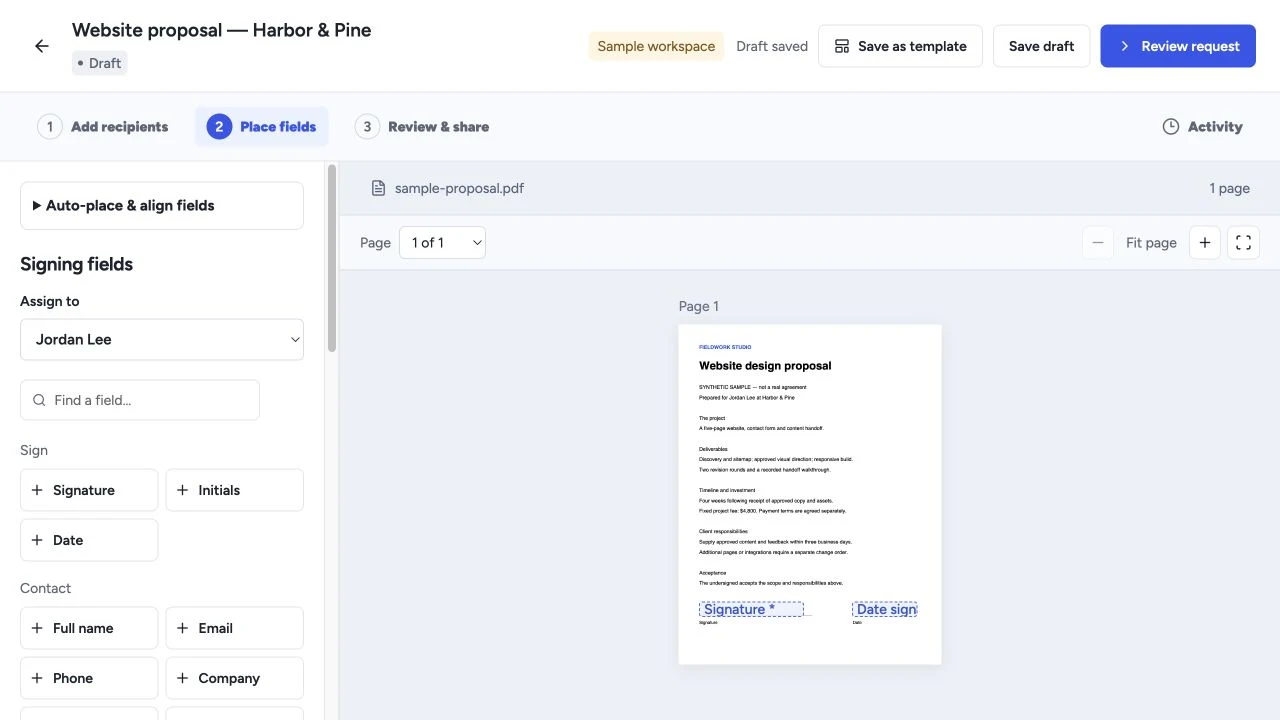
Proposals & signing
Create proposals, quotes and templates, collect electronic signatures, and manage client workflows with software you own.
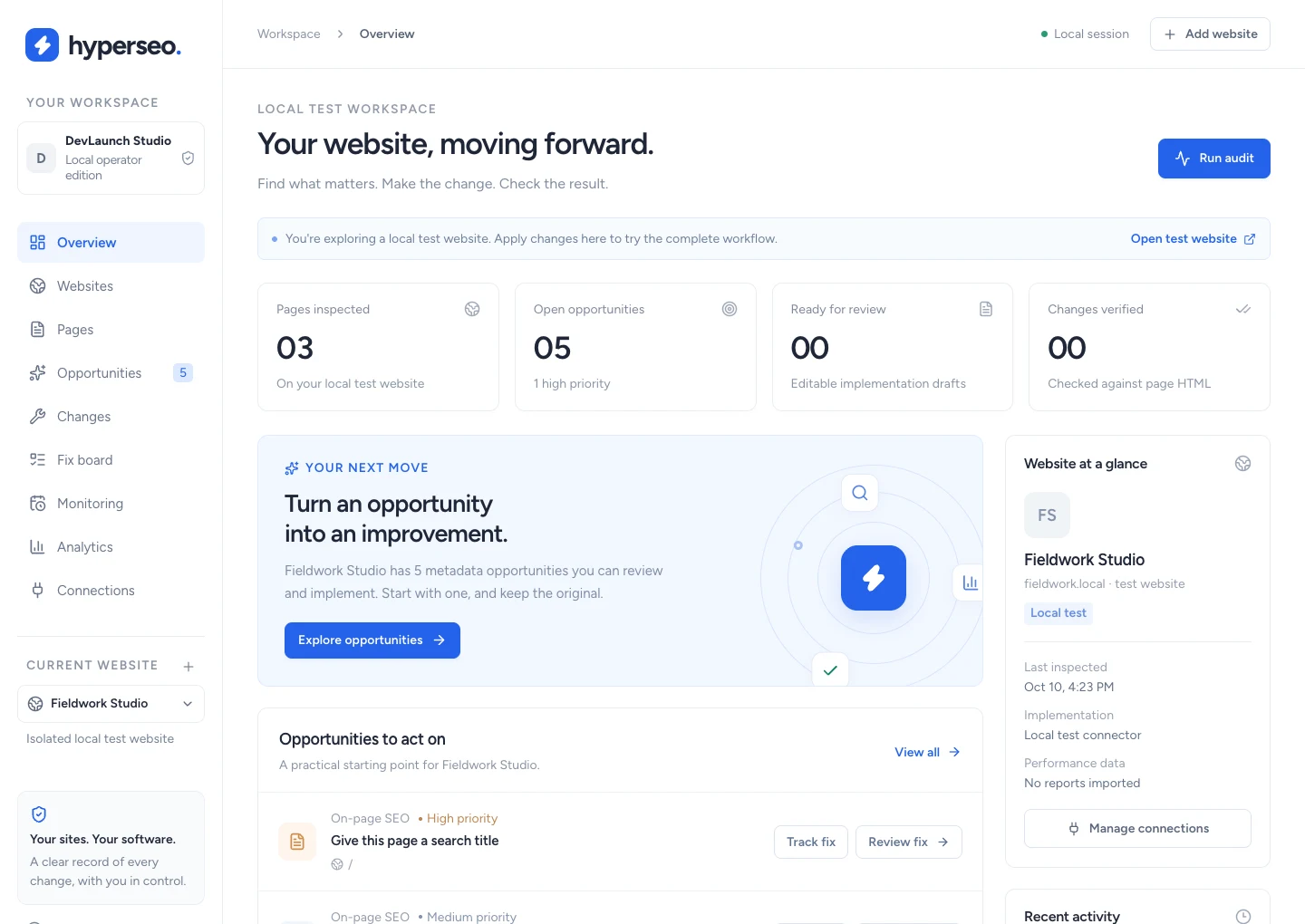
SEO & analytics
Turn a URL into an SEO report, explore keywords, competitors and backlinks, connect your agents and approve website improvements.
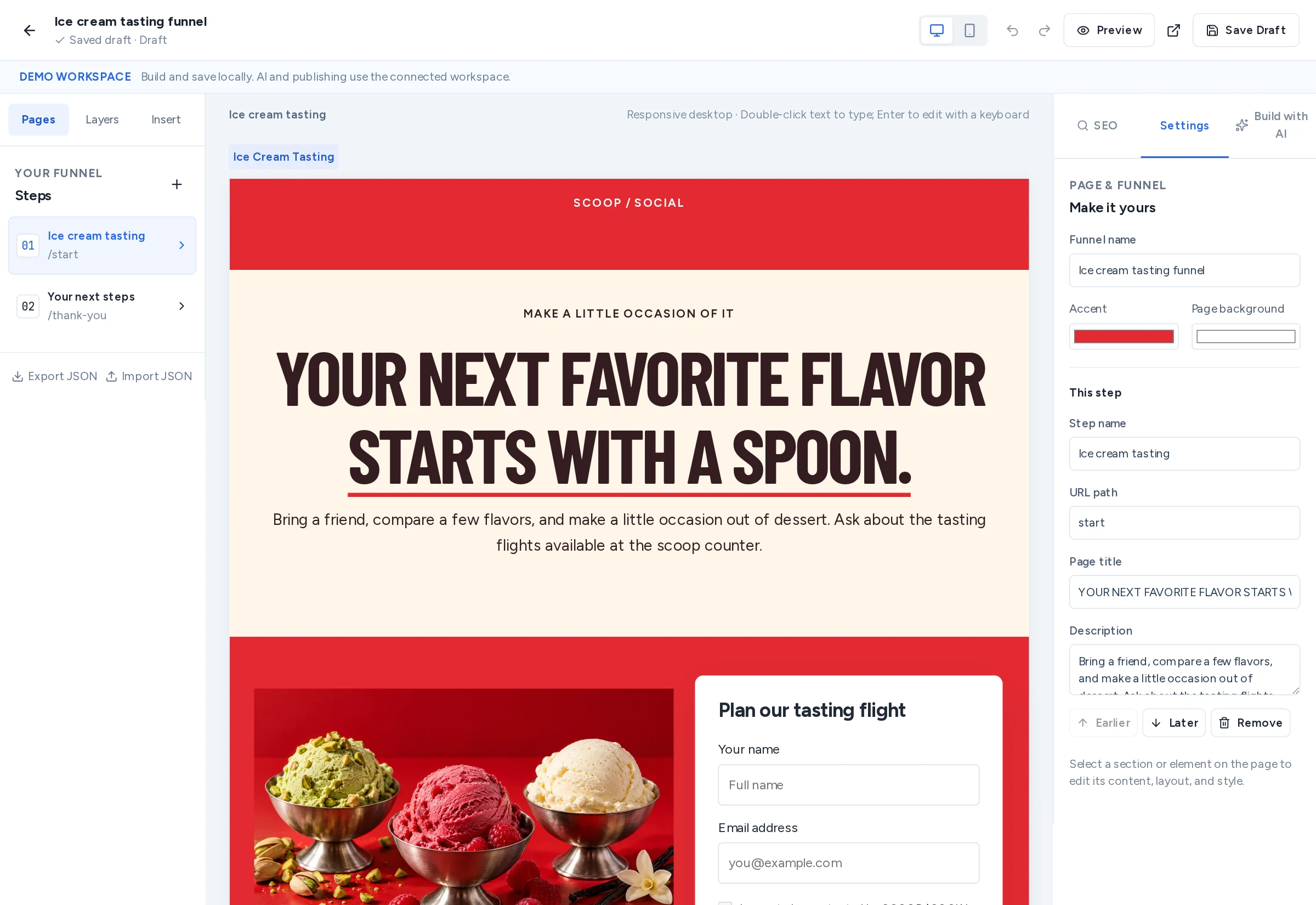
Funnels & social automation
Build ad funnels with 199 templates, guided creation and a visual editor. Capture enquiries and keep conversations moving in software you own.
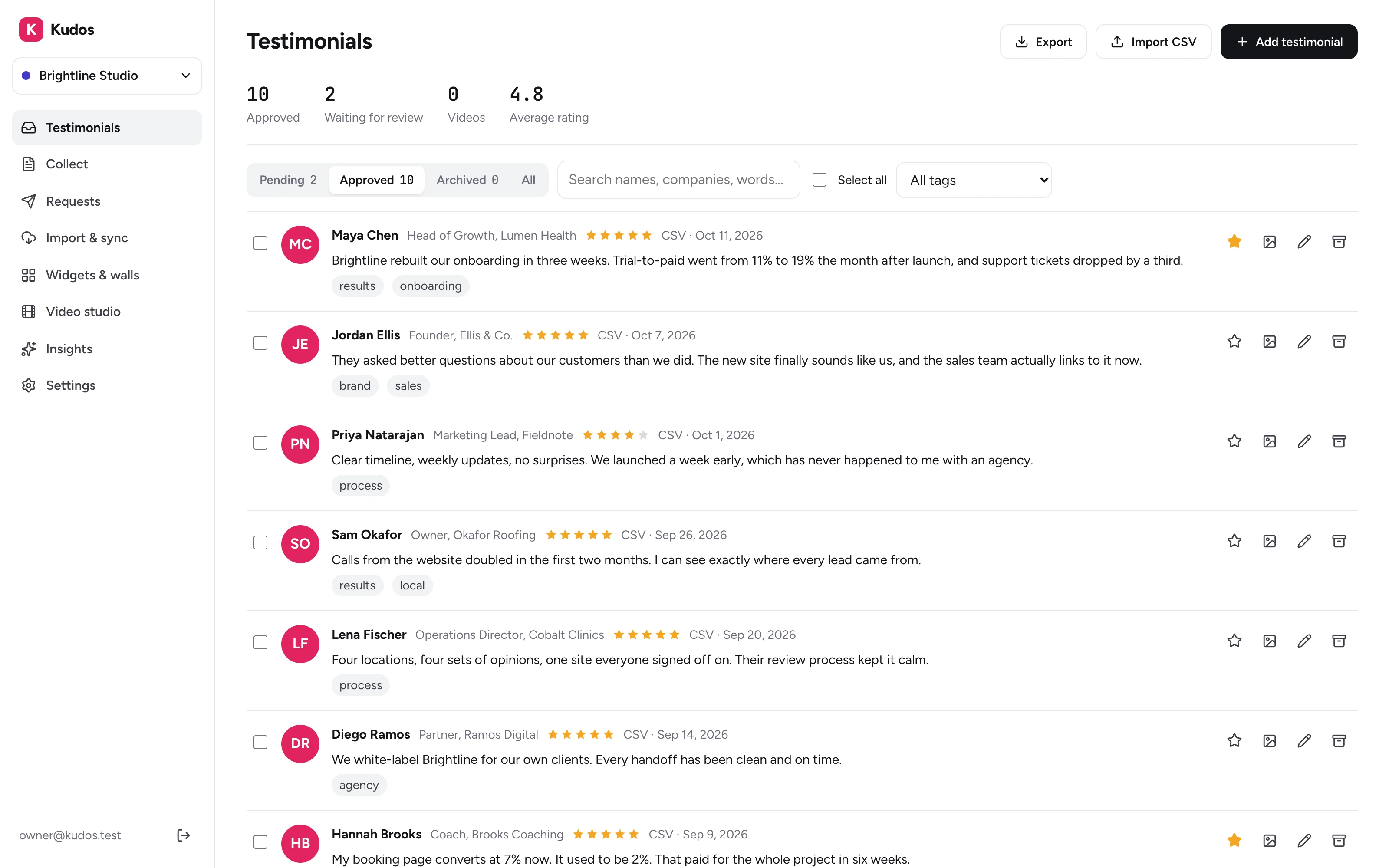
Testimonials & reviews
Collect video and written testimonials, import Google and social reviews, and show them everywhere with software you own.
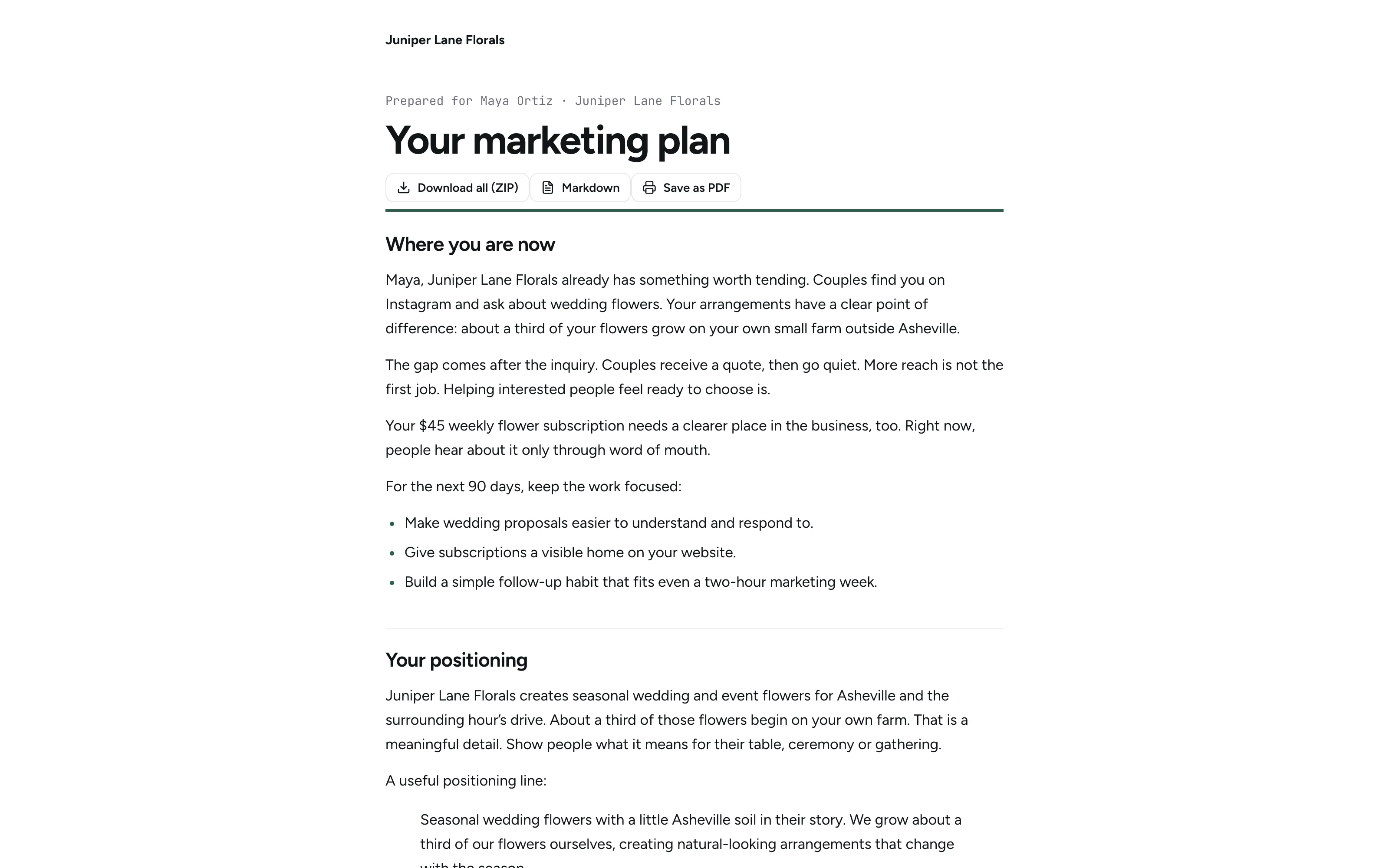
Lead funnels & content
A quiz on your site that writes each visitor a marketing plan, posts with graphics, ads, emails and blogs. Run it for clients too, with software you own.
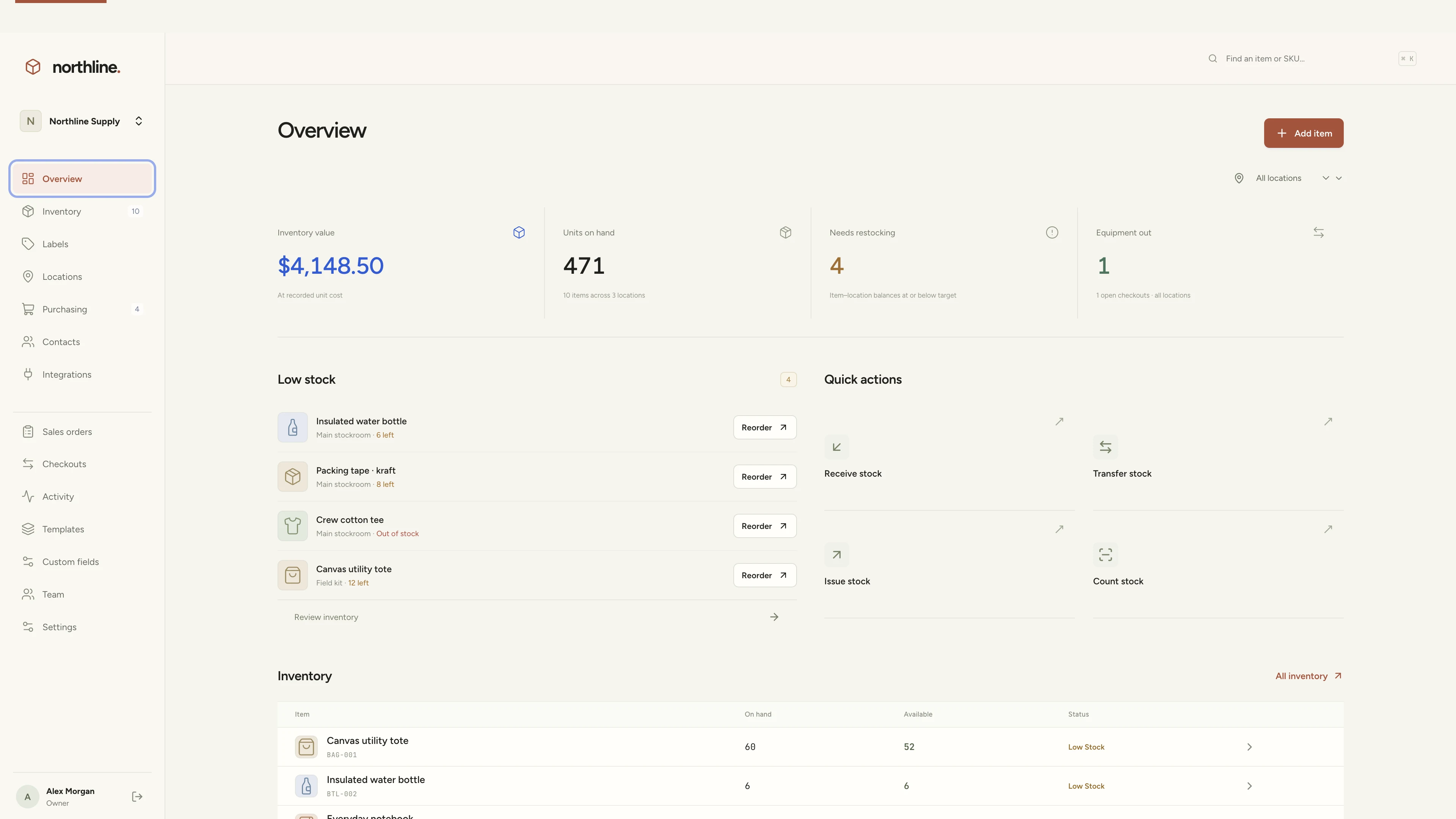
Inventory management
Manage products, supplies, equipment, and custom labels in a workspace you own.
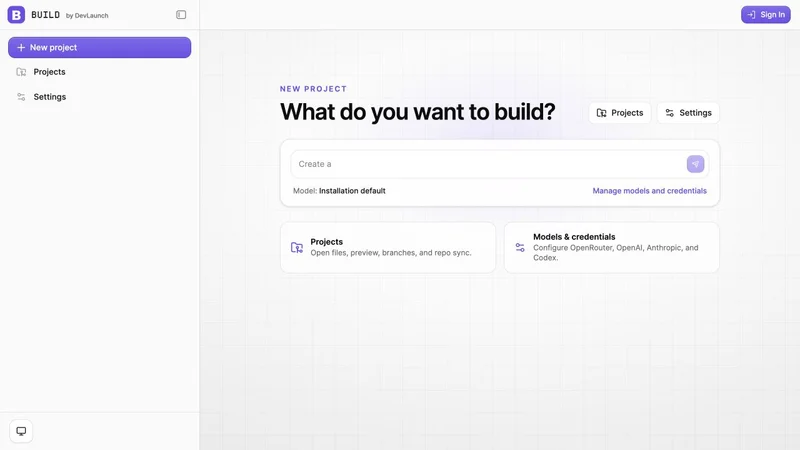
AI app builder
Build client websites with working forms, reviews, approved-version launches, domains and handover in a visual workspace you own.
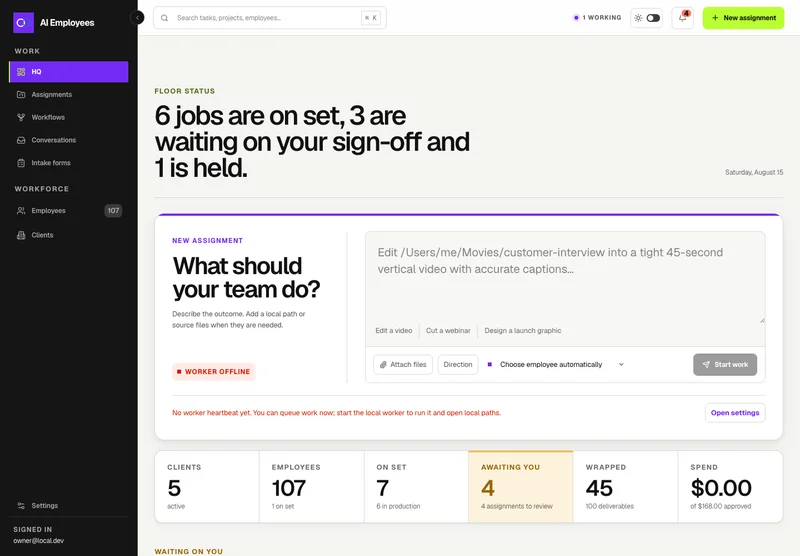
Your AI workforce
Put specialist AI employees to work across sales, creative, and operations.
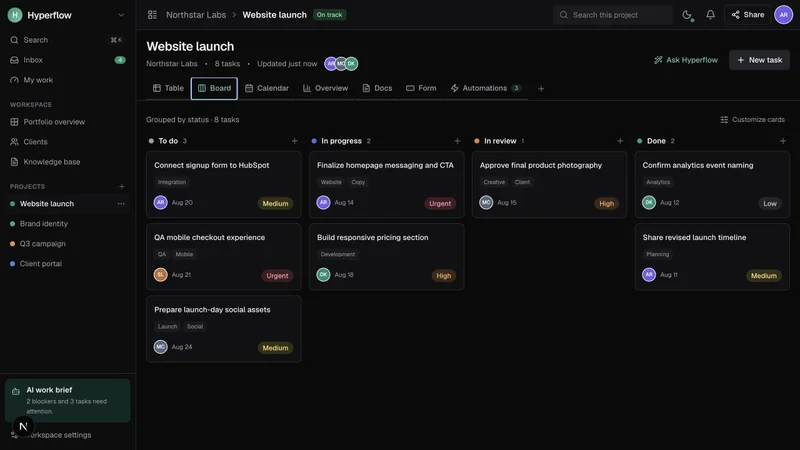
Project management
Bring projects, tasks, and client work together in a platform you control.
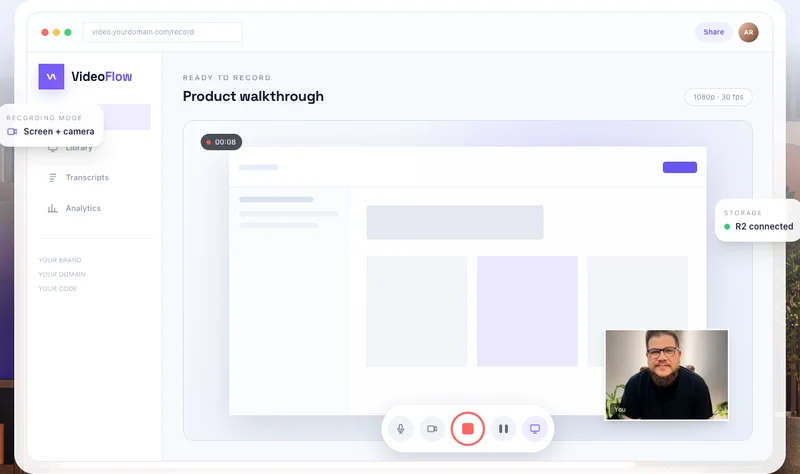
Record & share video
Record, edit, transcribe, and share video with your own branded platform.
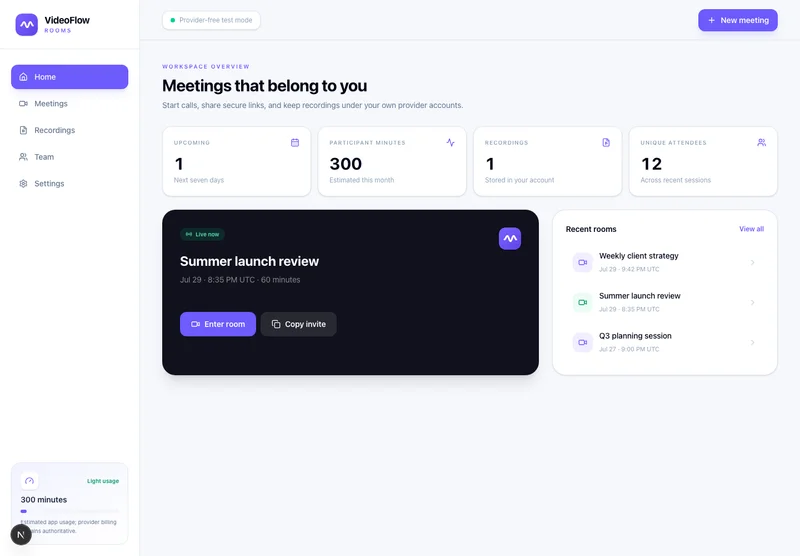 Prelaunch
Meetings & webinars
Run branded meetings, recorded workshops, chaptered replays and reviewed follow-ups on your own infrastructure.
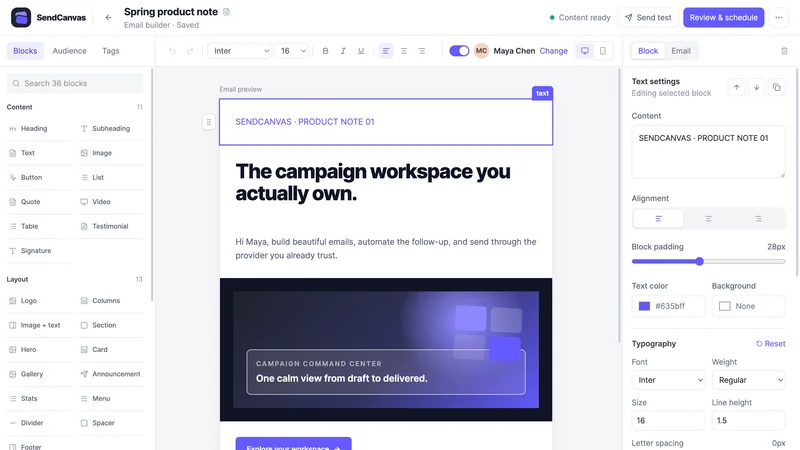 Beta
Email marketing
Create campaigns, emails, forms, and automations with your own providers.
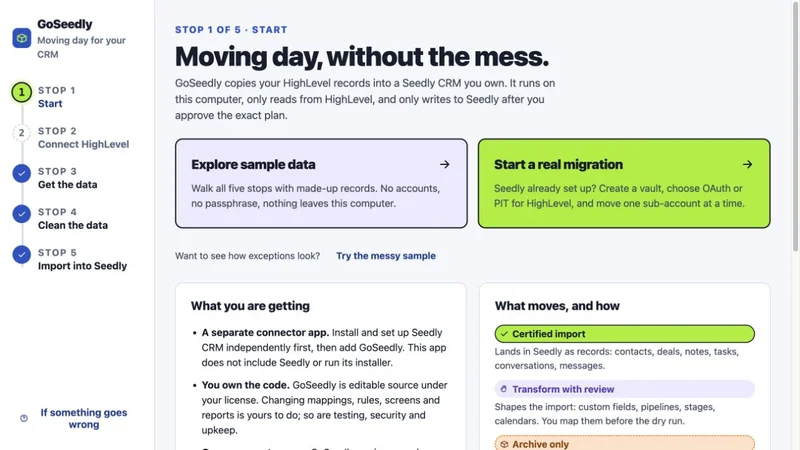
CRM migration kit
Export, review, and move supported CRM records into your Seedly installation.
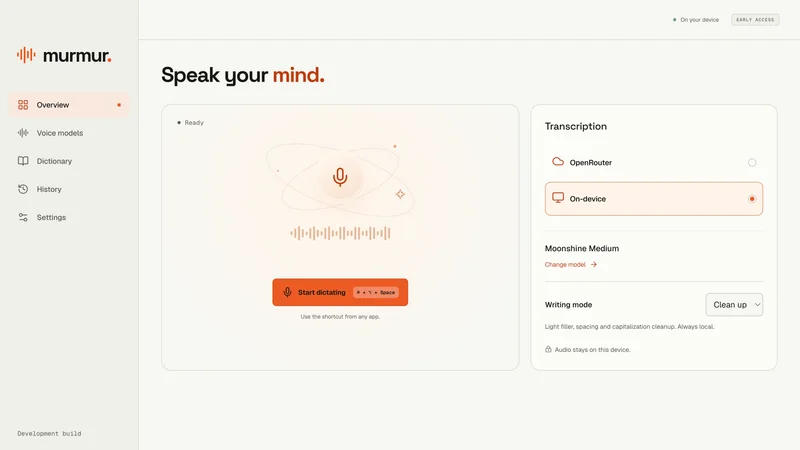
Voice to text
Turn your voice into text with a desktop dictation app and local models.
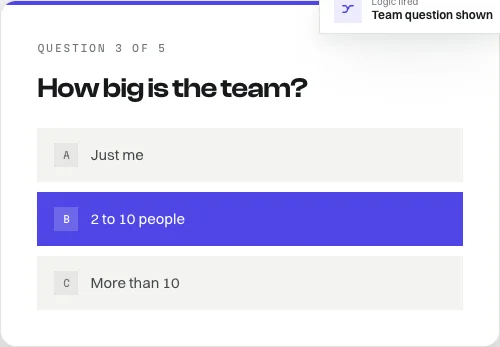
Open-source forms
Build forms with conditional logic, file uploads, and a database you own.
Software and source-code products. Hosting and third-party services are separate. See each product for details.
Customer experiences / Trustpilot
Selected excerpts from reviews of DevLaunch training, software, and services. Individual customer experiences across DevLaunch.
We use essential storage to keep the site working. With your permission, we also use analytics and the Whop Pixel to understand visits and advertising results. Optional analytics stay off until you choose.
Read our Cookie Policy and Privacy Policy.